Google Play Store PC
Google Play is Google's digital distribution platform. On Windows, Google offers Play content through the browser and Google Play Games on PC.
52.9 MB

MSI App Player is a free Android emulator for Windows, built with BlueStacks for MSI, that runs mobile games and apps on a PC.
Average 0.0 · ratings: 0
Thank you! Your rating is saved; you can change it. Could not save the rating. Please try again later. Too many ratings from your network today. Please try again tomorrow. The average appears after 5 ratings.
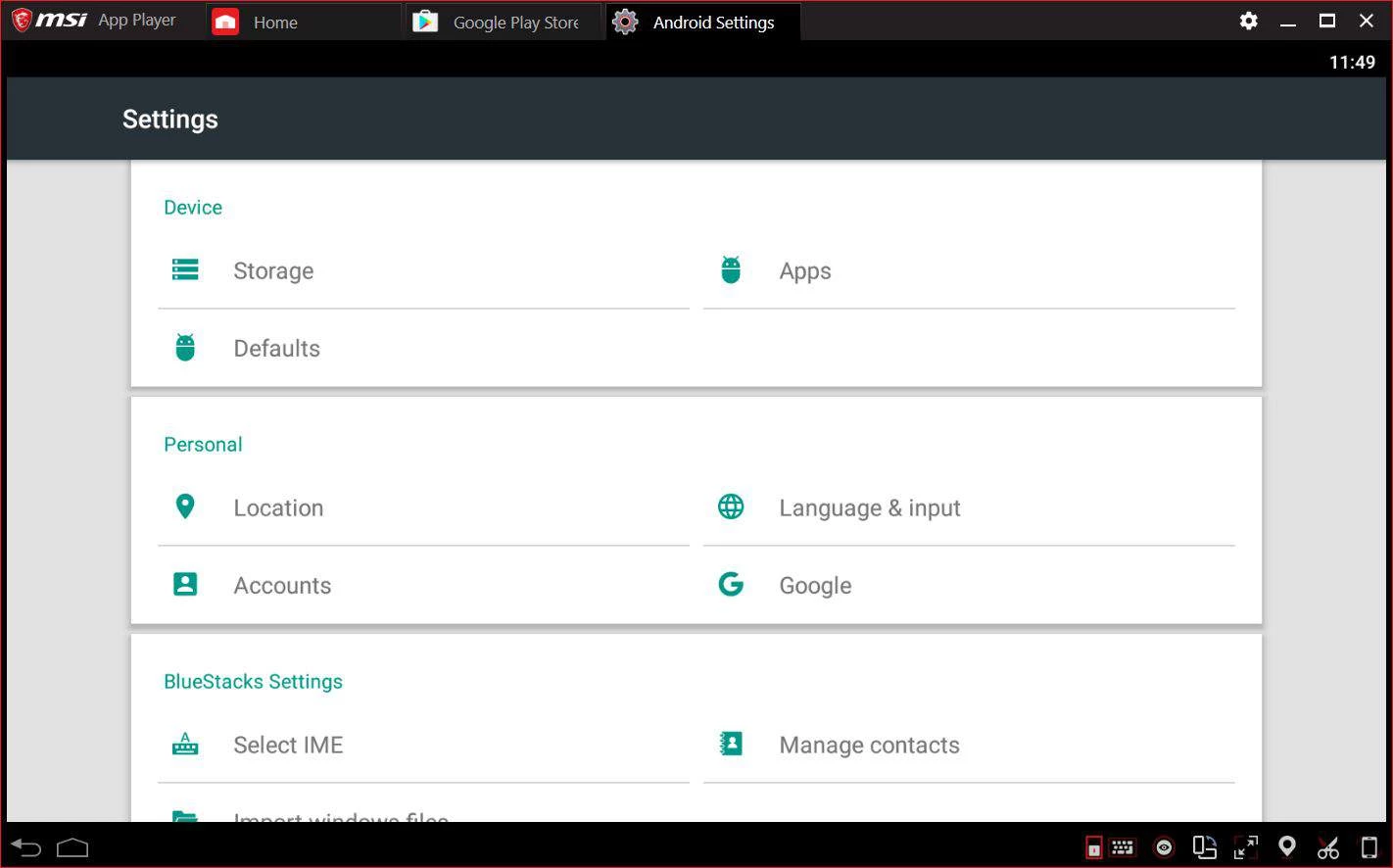
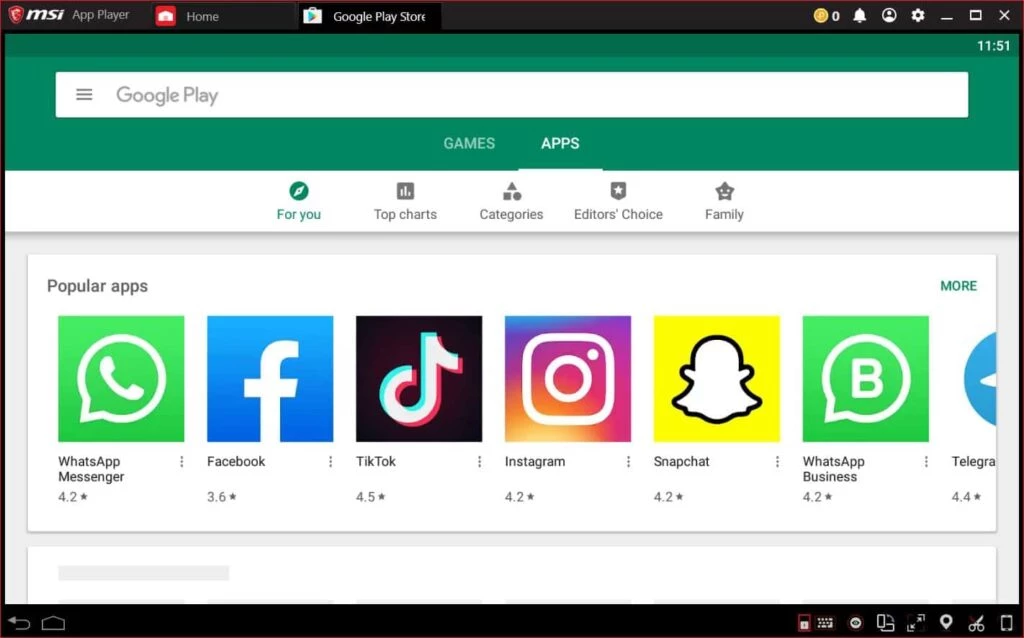
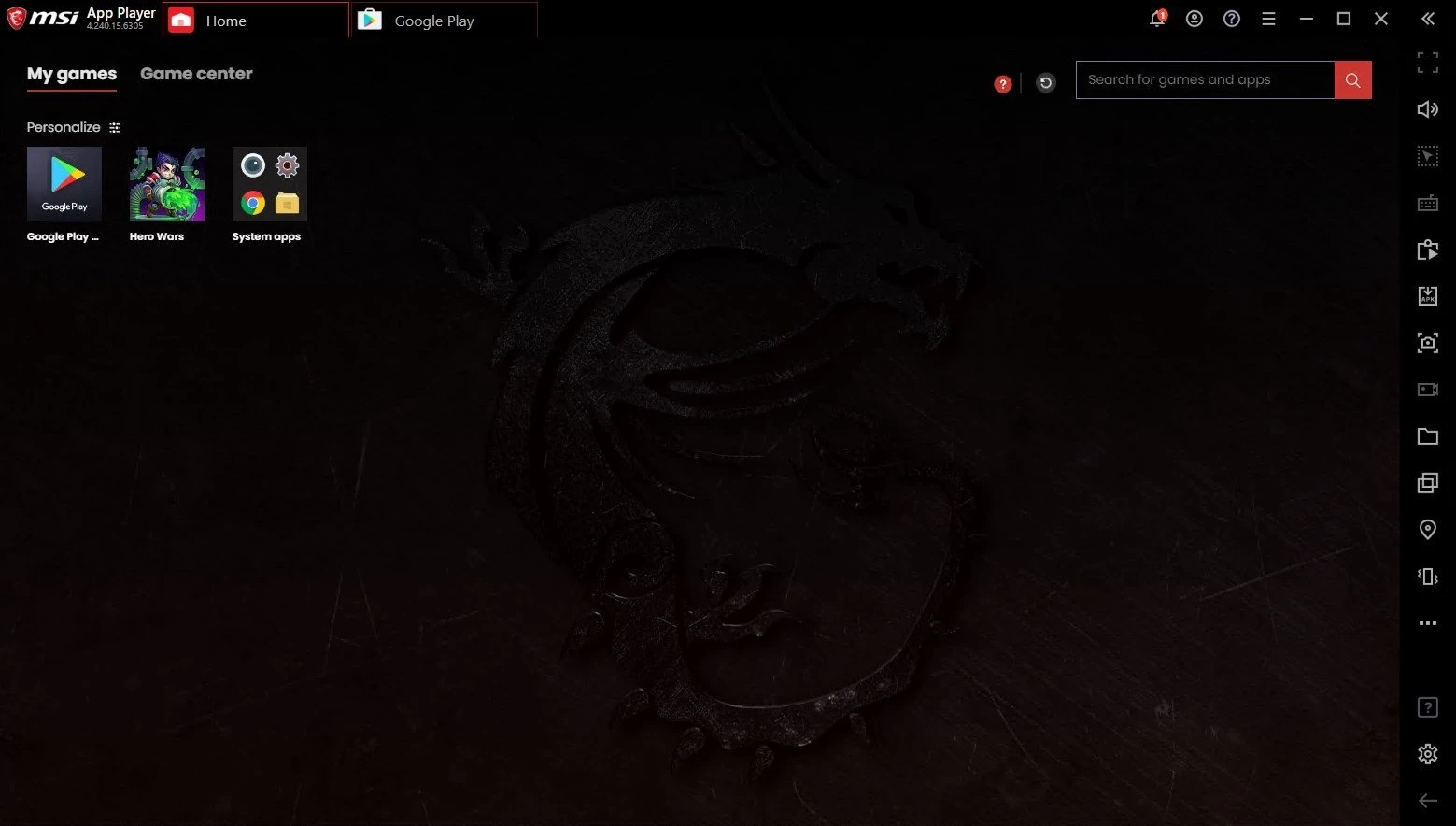
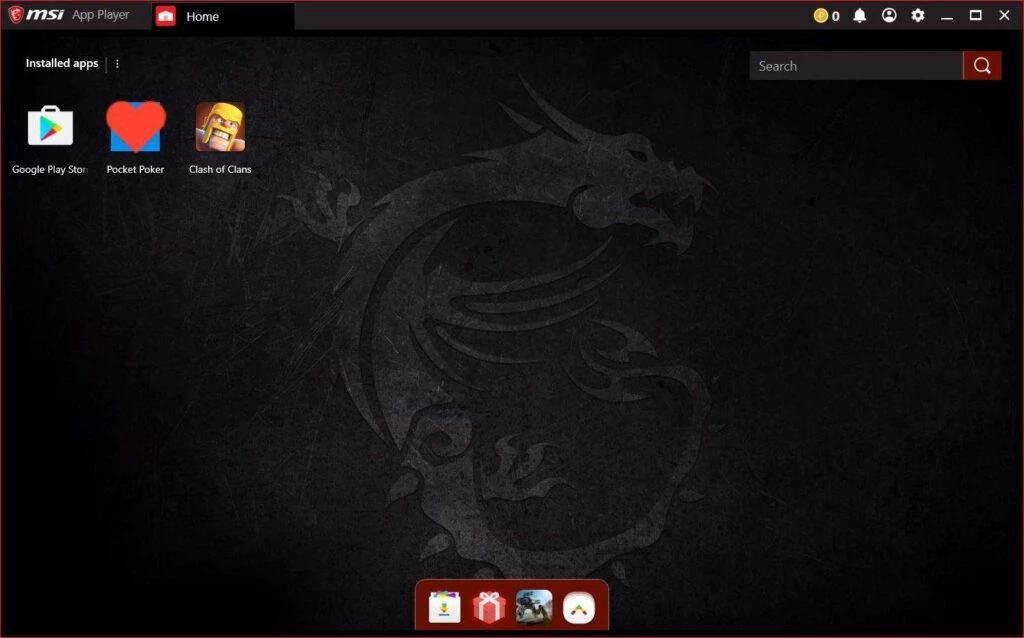
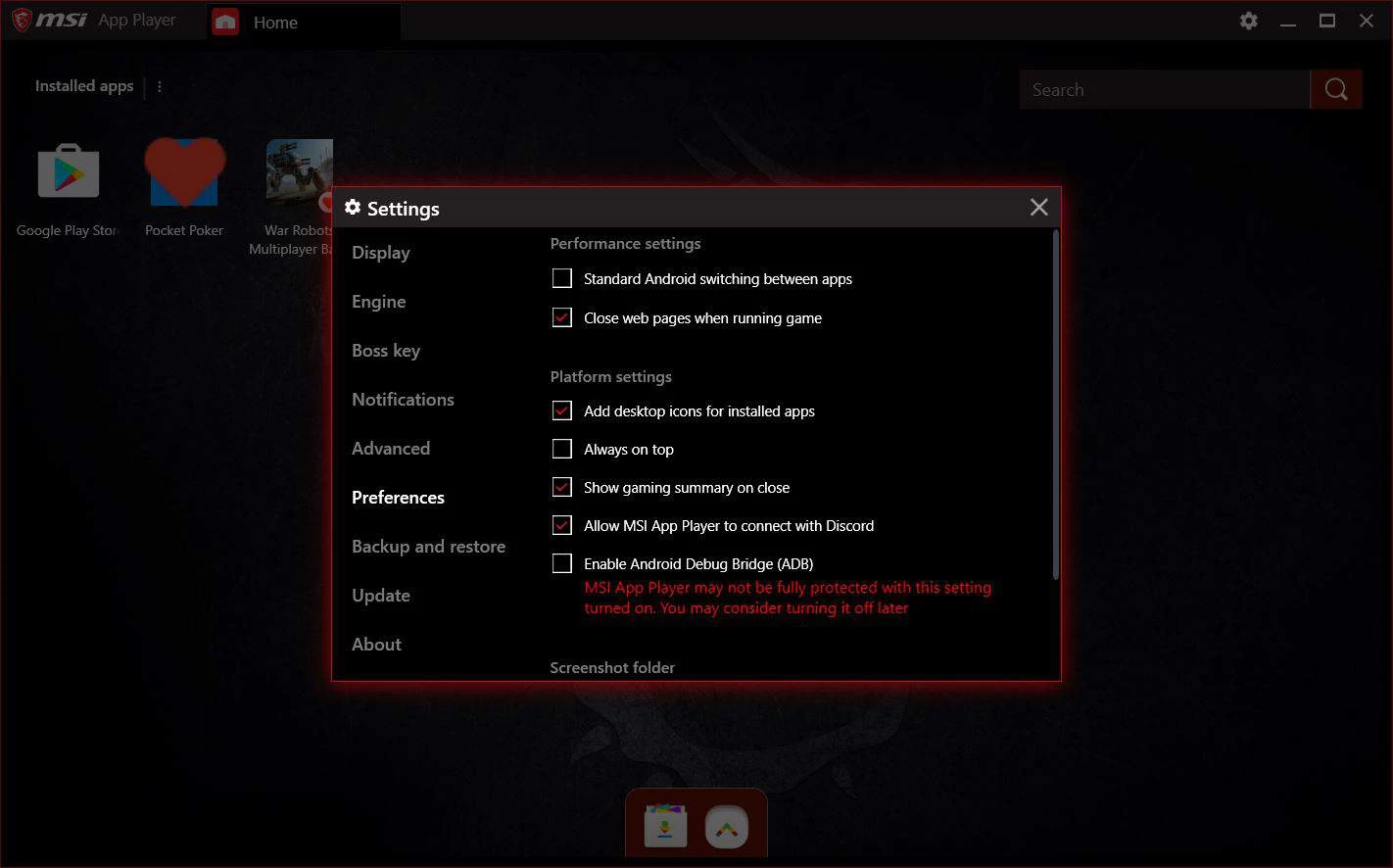
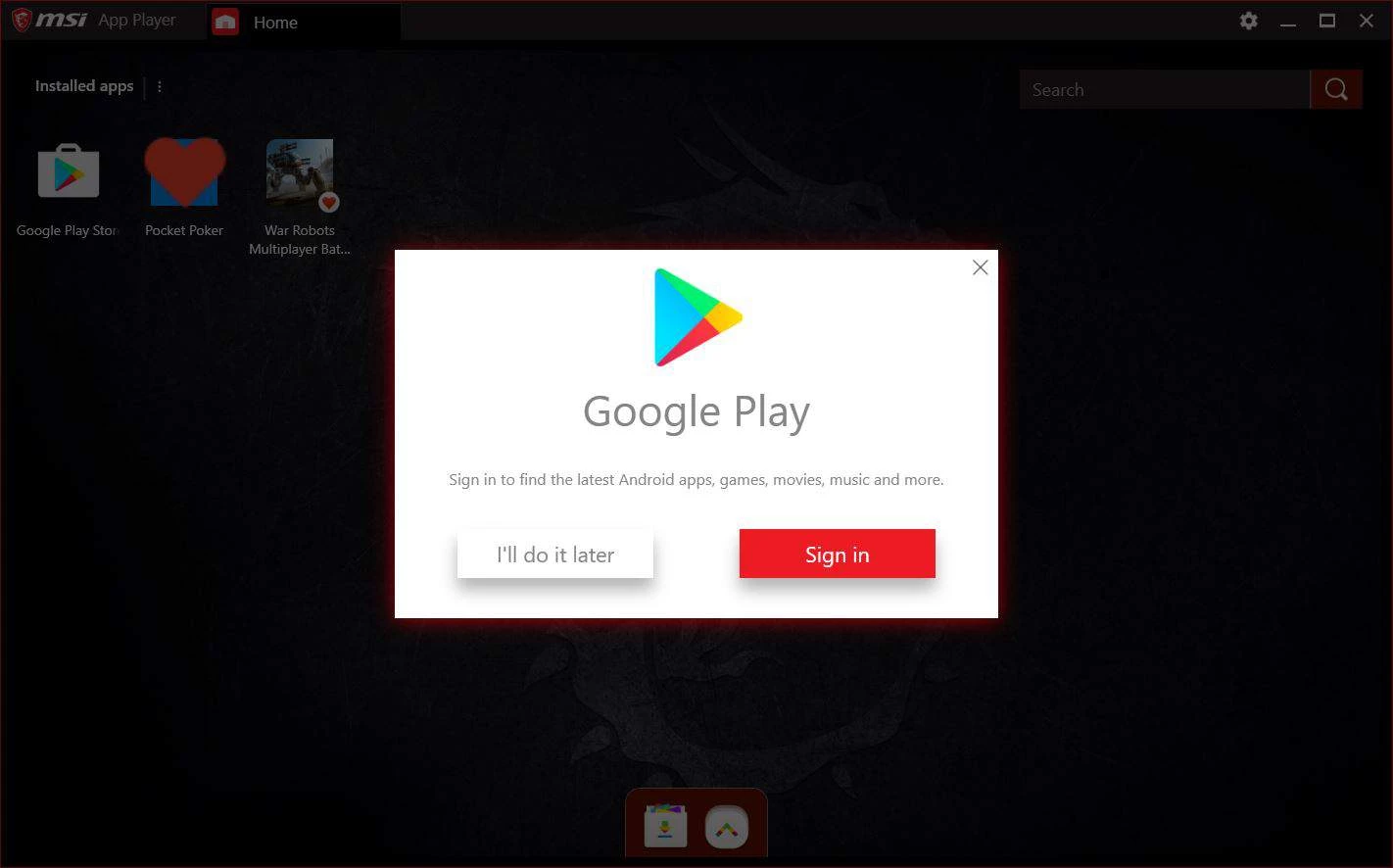
MSI App Player 10.0.30.6340 is a free Android emulator for Windows from MSI, developed together with BlueStacks. You download MSI App Player to play Android games and use mobile apps on a PC, with keyboard controls and, on MSI hardware, lighting effects that react to the game.
MSI App Player is a customised edition of BlueStacks, the widely used Android emulator, adapted for MSI's gaming laptops and desktops. It runs a full Android environment in a window, with Google Play for installing apps. For games, you get keymapping with ready-made control schemes for popular titles, the ability to run several instances at once, macro recording for repeated actions, and an eco mode that lowers resource use for games left running in the background. What MSI adds is integration with its own hardware: keyboard backlight profiles that show which keys are mapped, and lighting that syncs with MSI's software on supported devices. The emulator works on other PCs too, but the extra lighting features need MSI hardware. Since the small installer only fetches the main program, you need an internet connection during setup.
A Windows PC with a processor that supports virtualisation, enough memory to run Android next to Windows, a solid-state drive for faster loading and up-to-date graphics drivers. Heavier games benefit from a dedicated graphics card.
Download only from msi.com. Use a Google account you are comfortable using in an emulator, and avoid installing APK files from unknown sources.
MSI App Player is free.
Assign more CPU cores and memory in the performance settings if your PC allows it, and use eco mode for idle instances. Update graphics drivers before blaming the emulator for stutter.
Owners of MSI gaming laptops get the most from it, thanks to the lighting integration. On other PCs it behaves much like standard BlueStacks, so players who already like that emulator will feel at home, while people who only need one or two apps may prefer something lighter.
BlueStacks itself and LDPlayer are available on our site. Tencent App Store runs Android apps from Tencent's catalogue on Windows.
Google Play is Google's digital distribution platform. On Windows, Google offers Play content through the browser and Google Play Games on PC.
Media Creation Tool is a free Microsoft utility that downloads Windows and turns it into a bootable USB flash drive or an ISO file.

LDPlayer is an Android emulator for Windows that runs mobile apps and games on a computer.

BlueStacks is an Android emulator for Windows that lets you run Android apps and games on your PC.
Rufus is a free Windows utility that turns a USB stick into a bootable installer. The current version is 4.15.

PC App Store is a free software store for Windows from Baidu for finding, installing and updating PC programs. This page covers version 5.0.1.8682.

Uptodown App Store for Windows is the desktop client of Uptodown, a marketplace for desktop software and mobile apps. This page covers version 1.0.3.
NoxPlayer is a free Android emulator from Bignox for Windows and macOS that runs mobile games and apps on a computer with keyboard and mouse control.